
Computer builds
We build completely new computers tailored to you. Tell us what you want it for —gaming, studying, video editing or remote work— and we choose every component with you so you only pay for what you’ll actually use.

How we help you
We propose a balanced setup of processor, graphics card, memory and storage, with no bottlenecks or parts you don’t need. We assemble it carefully, take care of the cabling and cooling, install the operating system and drivers, and test it before handing it over ready to switch on.
- Advice on choosing components to suit your use and your budget.
- Only new components, with their manufacturer’s warranty.
- Professional assembly with tidy cabling and good cooling.
- Operating system, drivers and updates installed: just switch it on and go.
Other services
Request this service
We will reply on the same working day.
How do we do it?
We select the best components and parts so the computer fits what you need today and keeps performing for years to come.
We listen to what you need
Tell us what you’ll use the computer for —gaming, studying, editing or working— and how much you want to spend.
We select the best components
We choose a processor, motherboard, memory, graphics card, storage and power supply that are compatible with each other and balanced for your use.
We assemble it carefully
We build the computer with tidy cabling and good cooling, and install the operating system and drivers.
We test it and hand it over
We check performance and temperatures before handing over the computer ready to switch on.
The components we choose
Every component has a job. This is how we select them so your computer is balanced and you don’t pay for what you won’t use.
Processor
The brain of the computer: we choose the model that delivers the performance you need without overpaying.
Motherboard
Compatible with the processor, with the connections you’ll use and room for future upgrades.
RAM
The right amount and speed so the computer runs smoothly with your programs.
Power supply
Good quality and just the right wattage: it protects the other components and extends their life.
The best components for your computer
A selection of high-end motherboards, RAM, processors and power supplies available in our shop.

ASUS
ASUS ROG MAXIMUS Z890 APEX Intel Z890 LGA 1851 (Socket V1) ATX
Placas base
View in the shop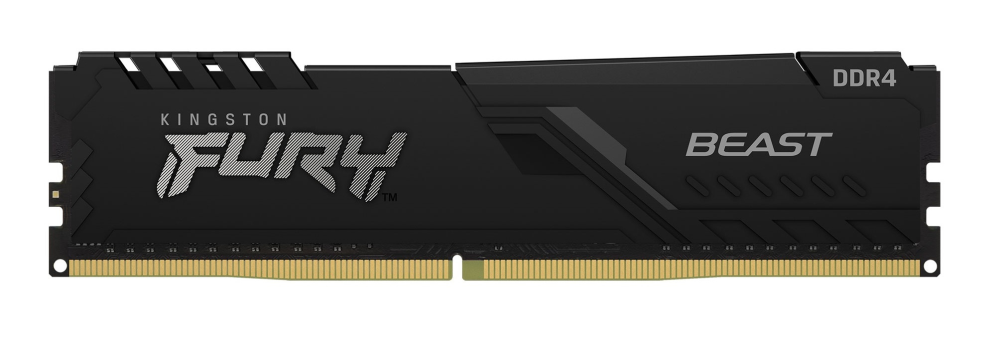
Kingston Technology
Kingston Technology FURY Beast 32GB 3200MT/s DDR4 CL16 DIMM Black
Memoria RAM
View in the shop
INTEL
Intel Core i9-14900F procesador 36 MB Smart Cache Caja
Procesadores
View in the shop
Antec
Antec SIGNATURE 2200 Platinum unidad de fuente de alimentación 2200 W 20+4 pin ATX ATX Negro
Fuentes de Alimentación
View in the shop
ASUS
ASUS ROG STRIX X870-I GAMING WIFI AMD X870 Zócalo AM5 mini ITX
Placas base
View in the shop
Team Group
Team Group TTCED432G3600HC18JDC01 módulo de memoria 32 GB 2 x 16 GB DDR4
Memoria RAM
View in the shop
INTEL
Intel Core i9-14900K procesador 36 MB Smart Cache Caja
Procesadores
View in the shop
THERMALTAKE
Thermaltake Toughpower PF3 unidad de fuente de alimentación 1200 W 24-pin ATX ATX Negro
Fuentes de Alimentación
View in the shop